














The Math Behind The First Five Seconds
Google’s 2017 mobile research tracked what happens as load time stretches past one second:
-
1 to 3 seconds: bounce probability rises 32%
-
1 to 5 seconds: it rises 90%
-
1 to 10 seconds: it rises 123%
Portent’s research shows the same cliff from the money side. Conversion rate drops about 4.42% with each additional second in the first five, and pages loading in 1 second convert at 3x the rate of pages loading in 5.
Your visitors aren’t being dramatic. They’re doing quick arithmetic: is this worth waiting for? Usually, no.
What Slow Actually Costs You
Use this formula: visitors × conversion rate × value per lead = monthly revenue from your site.
Say you get 5,000 visitors a month and each lead is worth $200:
-
Fast page (3% conversion): 150 leads = $30,000
-
Slow page (1% conversion): 50 leads = $10,000
Same traffic. Same offer. A $20,000 monthly gap, created by a page that made people wait. These numbers are illustrative, built on the 3x difference above. Plug in your own and see how it looks.
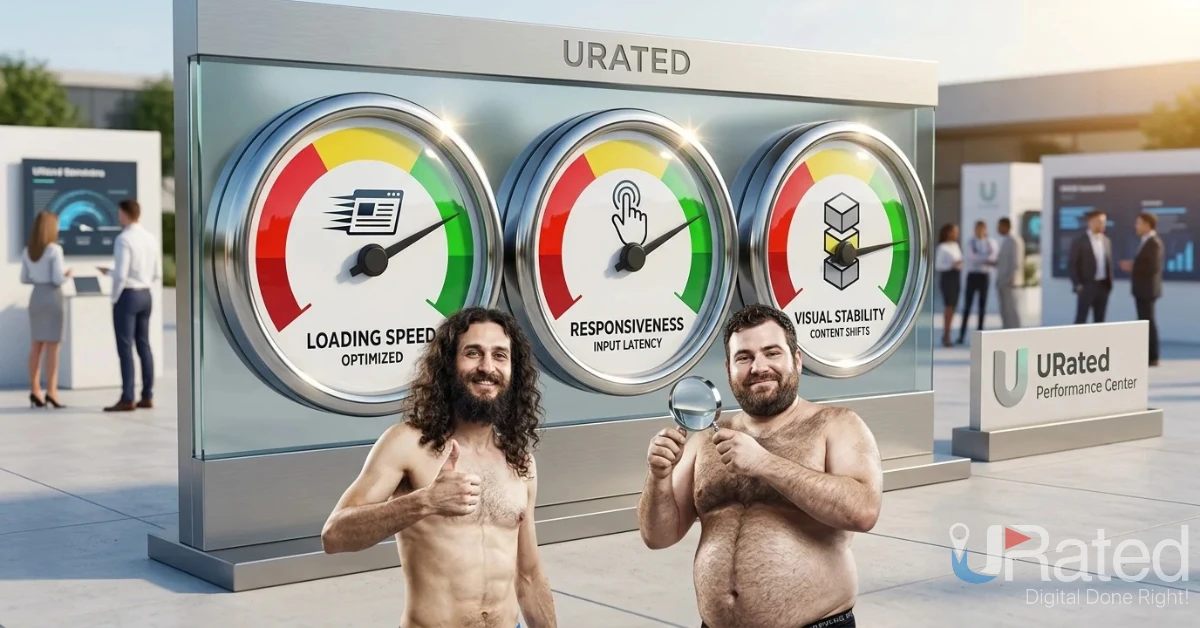
What Google Calls “Fast”
Google judges speed through Core Web Vitals, measured on real visitors:
-
LCP (loading): 2.5 seconds or less
-
INP (responsiveness): 200 milliseconds or less
-
CLS (visual stability): 0.1 or less
Google doesn’t average the three, so one failing metric fails the page. g7cloud
What To Fix First
-
Compress your hero image. It’s usually the biggest thing on screen, so it sets your loading time.
-
Cut third-party scripts. Chat widgets, trackers, and unused plugins quietly add seconds.
-
Reserve space for images and banners. Content that jumps as it loads hurts your stability score and frustrates visitors.
-
Check your hosting. A slow server caps everything built on top of it.
-
Test on a phone, on mobile data. That’s where most visitors give up.
Speed fixes aren’t glamorous, but they lift every channel at once. SEO, ads, and email traffic all land on the same page.
FAQs
How fast should a website load? Aim for a Largest Contentful Paint of 2.5 seconds or less, which is Google’s “good” threshold. Faster is better, since conversions and bounce rates keep improving as load time drops below that.
Does website speed affect Google rankings? Yes, as one signal among many. Core Web Vitals are part of Google’s page experience signals, but relevant, useful content still matters most. Speed mainly protects the traffic you’ve already earned.
How do I check my website speed? Run your URL through Google’s free PageSpeed Insights tool. It shows real-visitor data and flags what’s slowing you down. Search Console also has a Core Web Vitals report for your whole site.
Why is my website slow on mobile? The usual causes are oversized images, too many third-party scripts, slow hosting, and heavy code. Mobile connections are less forgiving than desktop, so small inefficiencies add up quickly.


